
Secure Payments
Get 1% HPXGRC Credit of the total purchase value
Leave a review and get 2% OFF your next order.

15-Day Returns
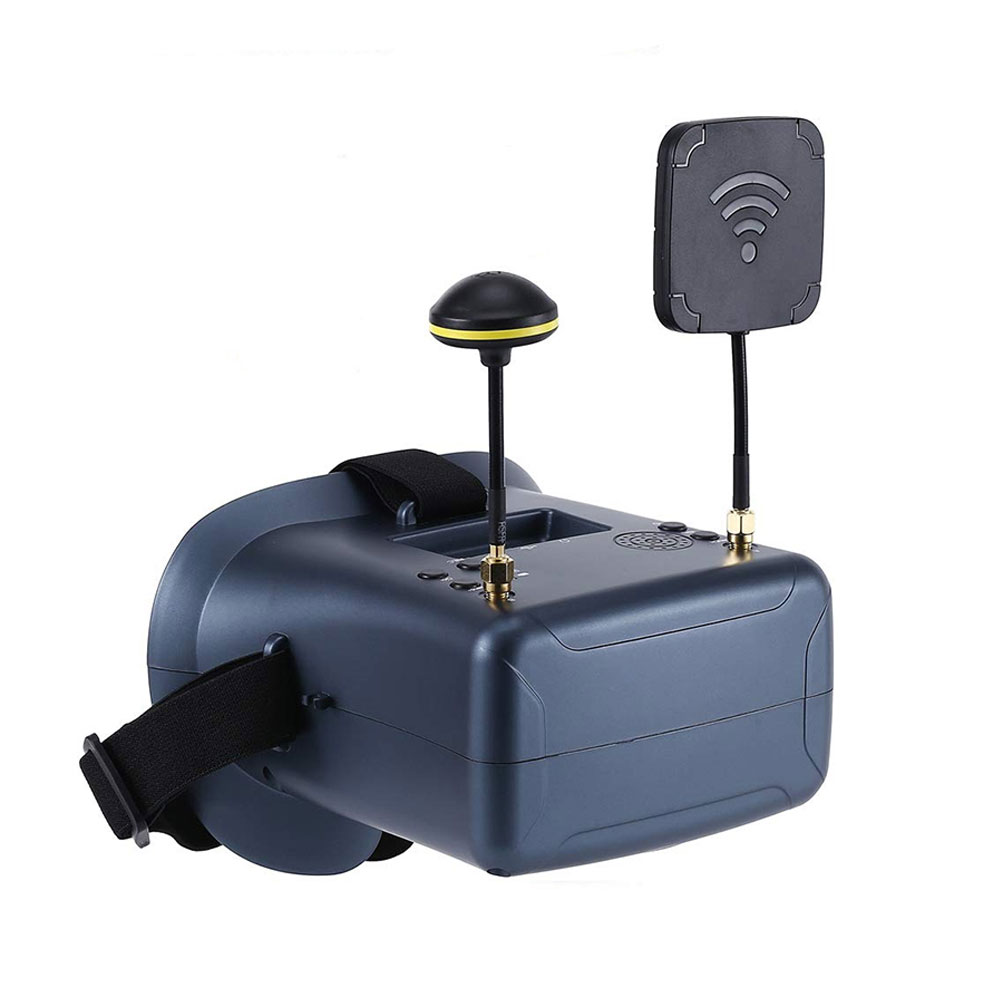
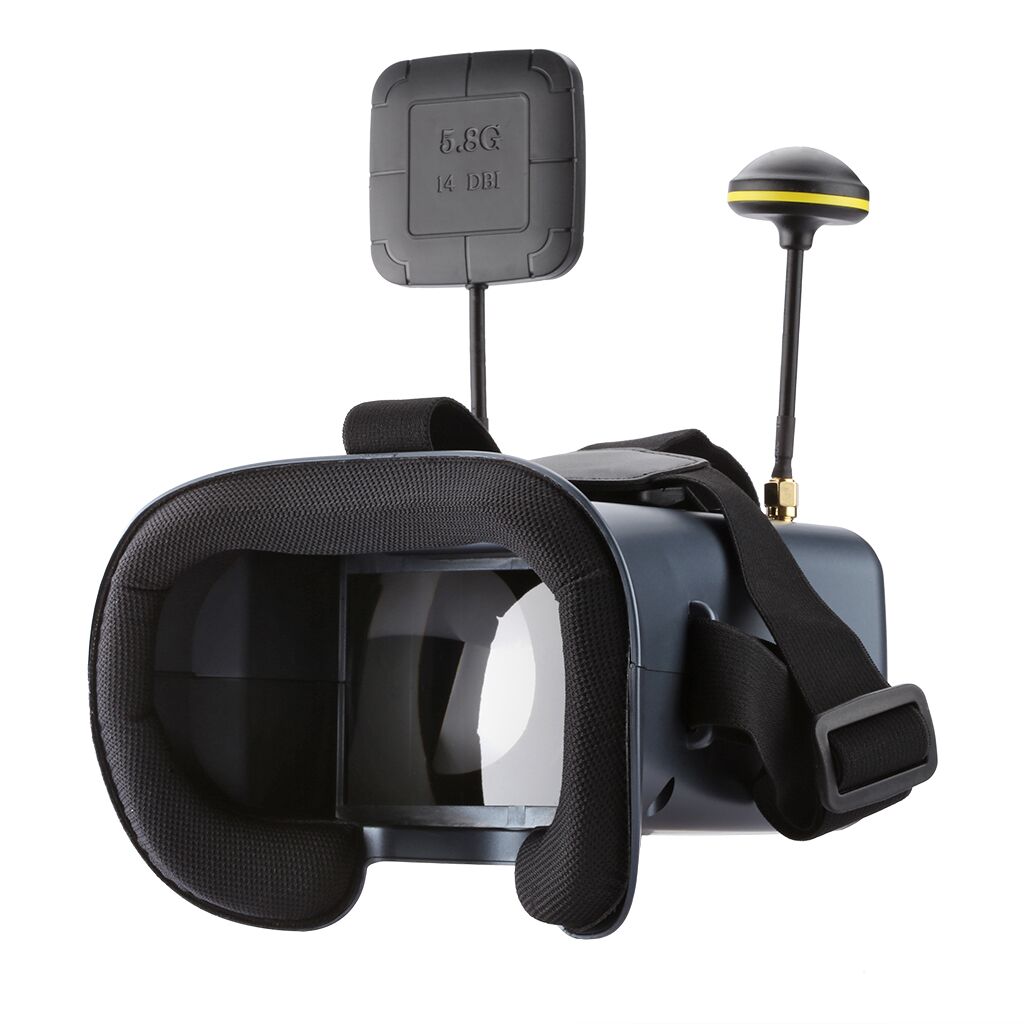
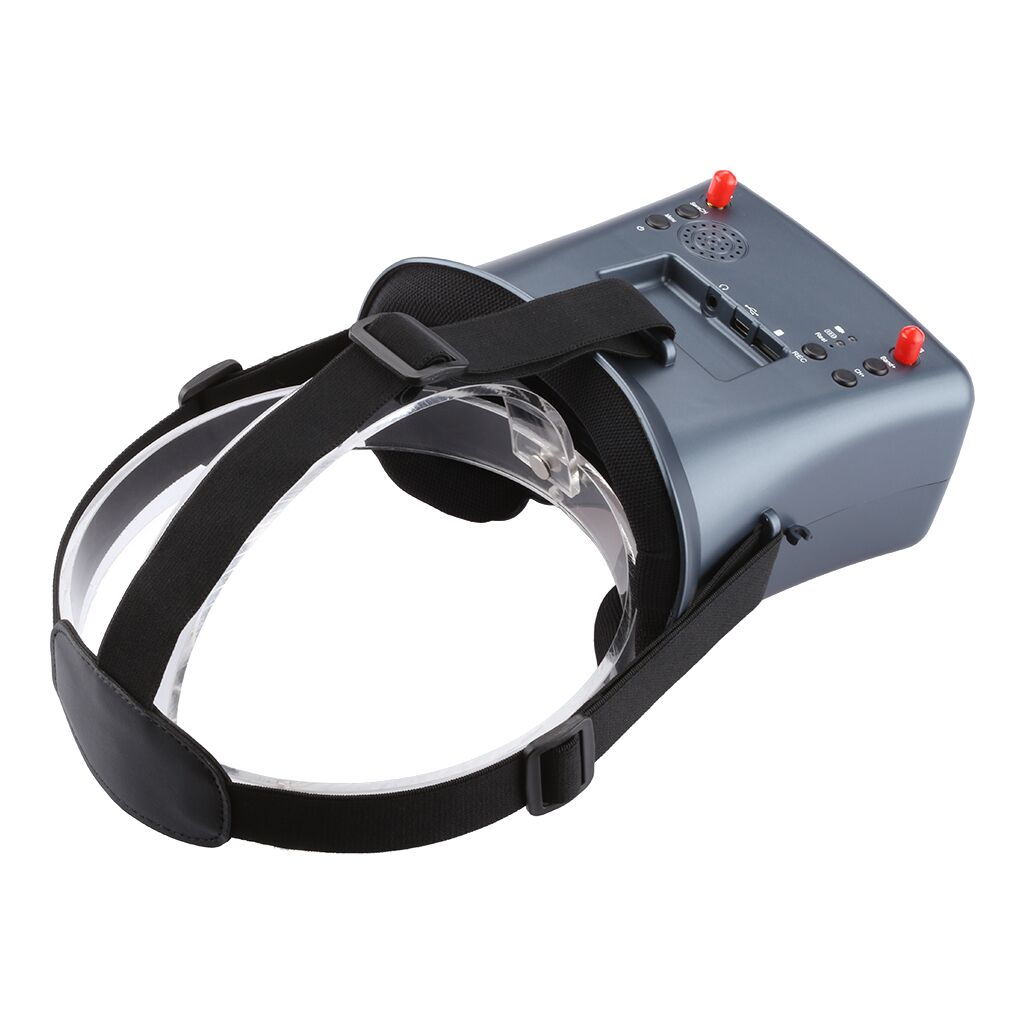
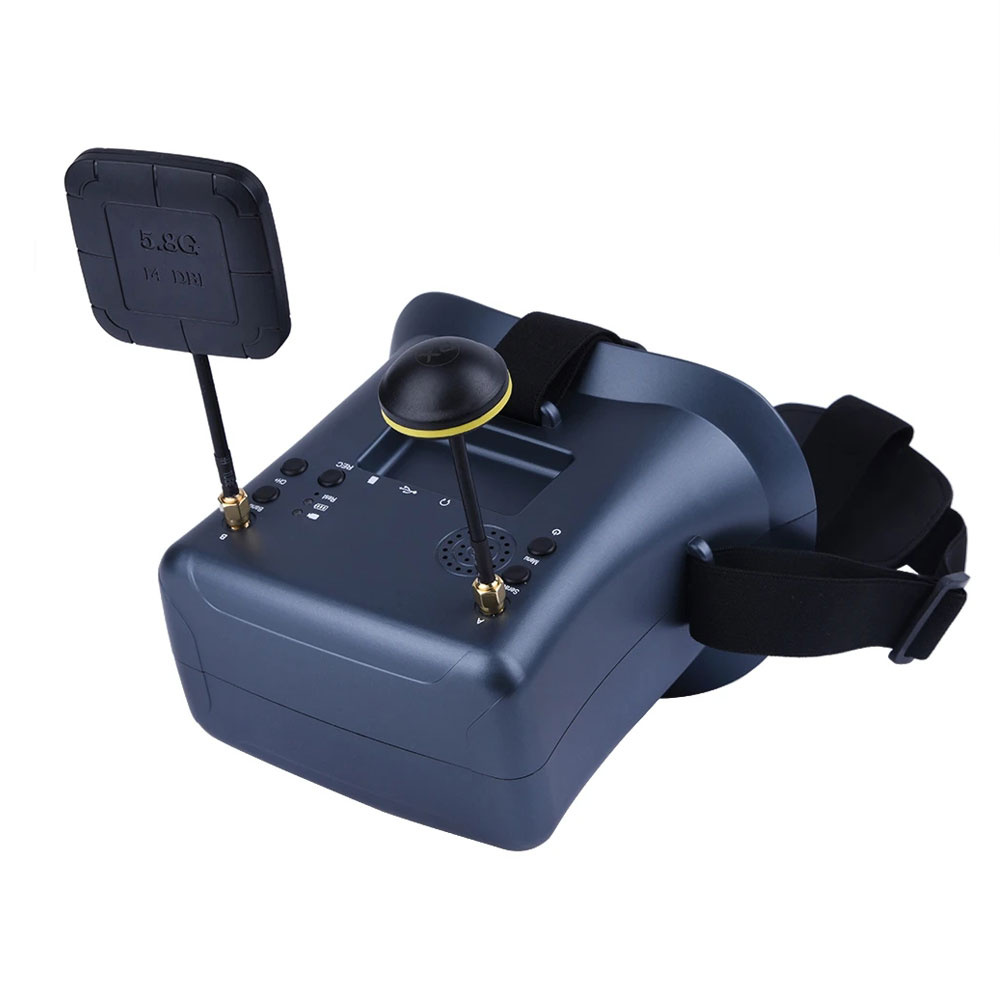
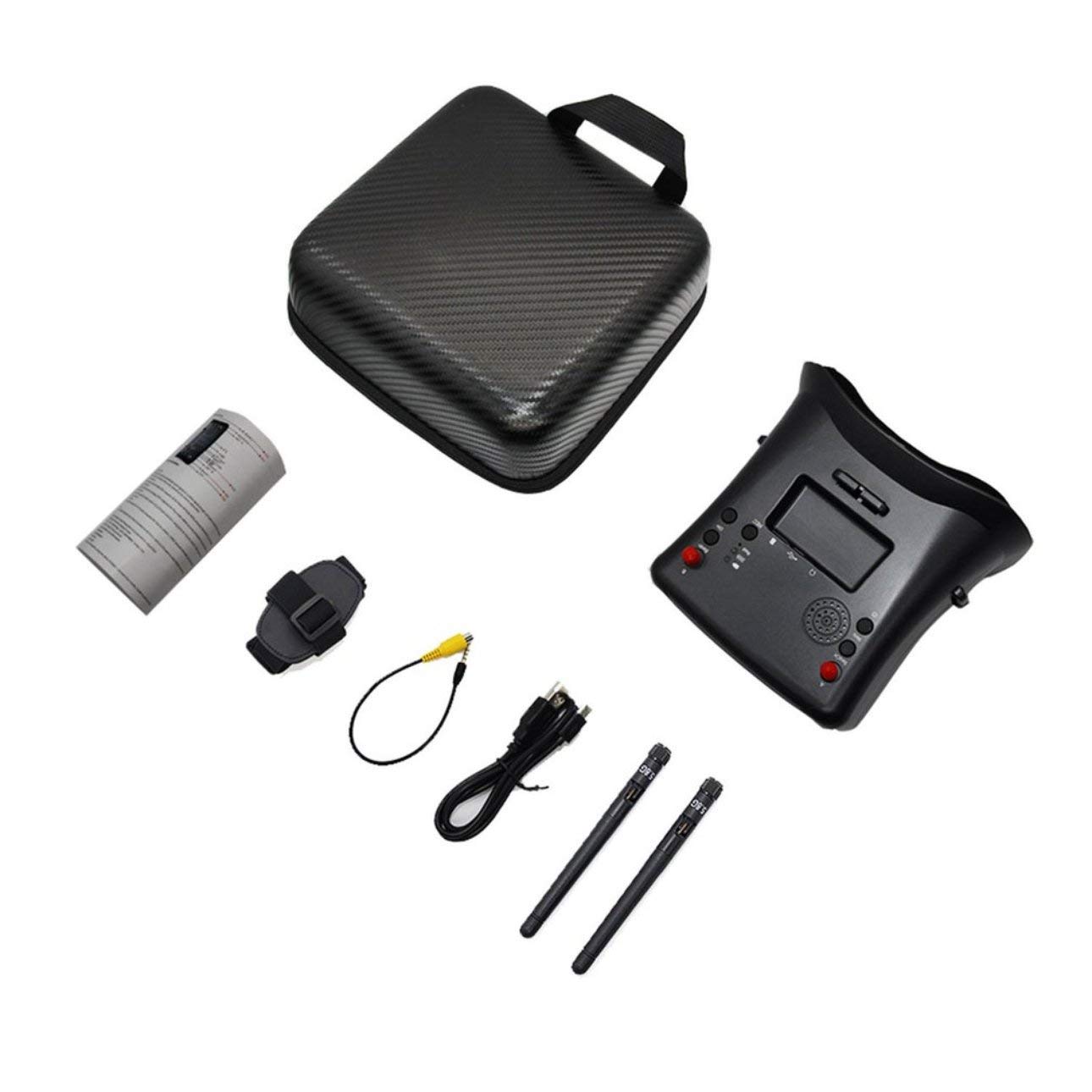
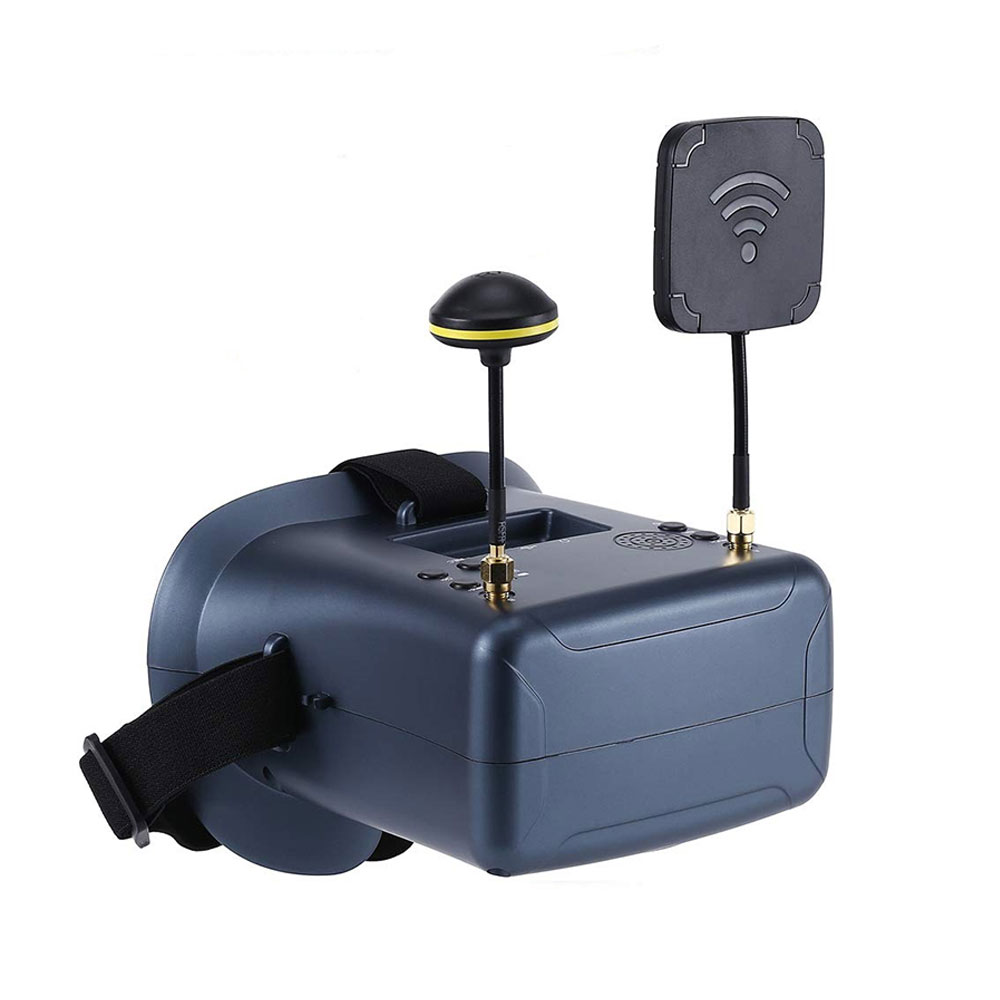
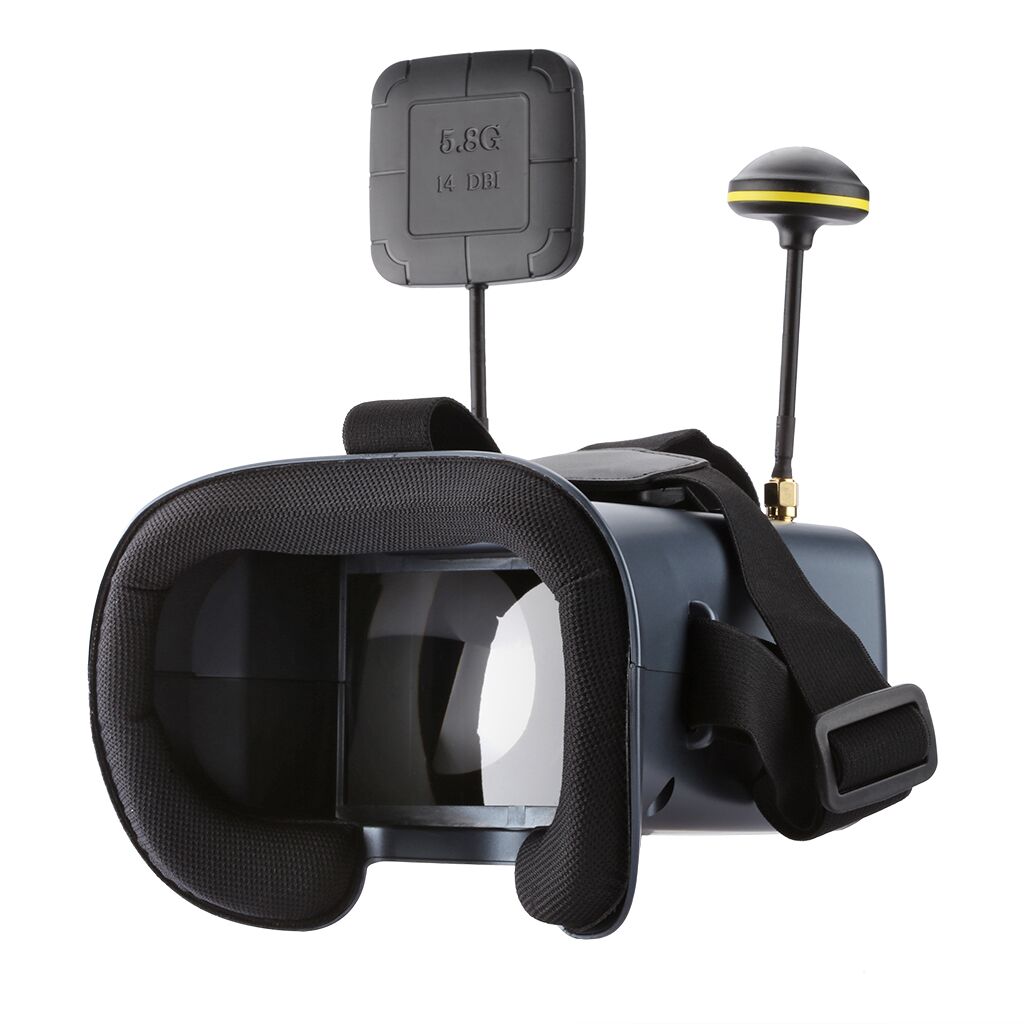
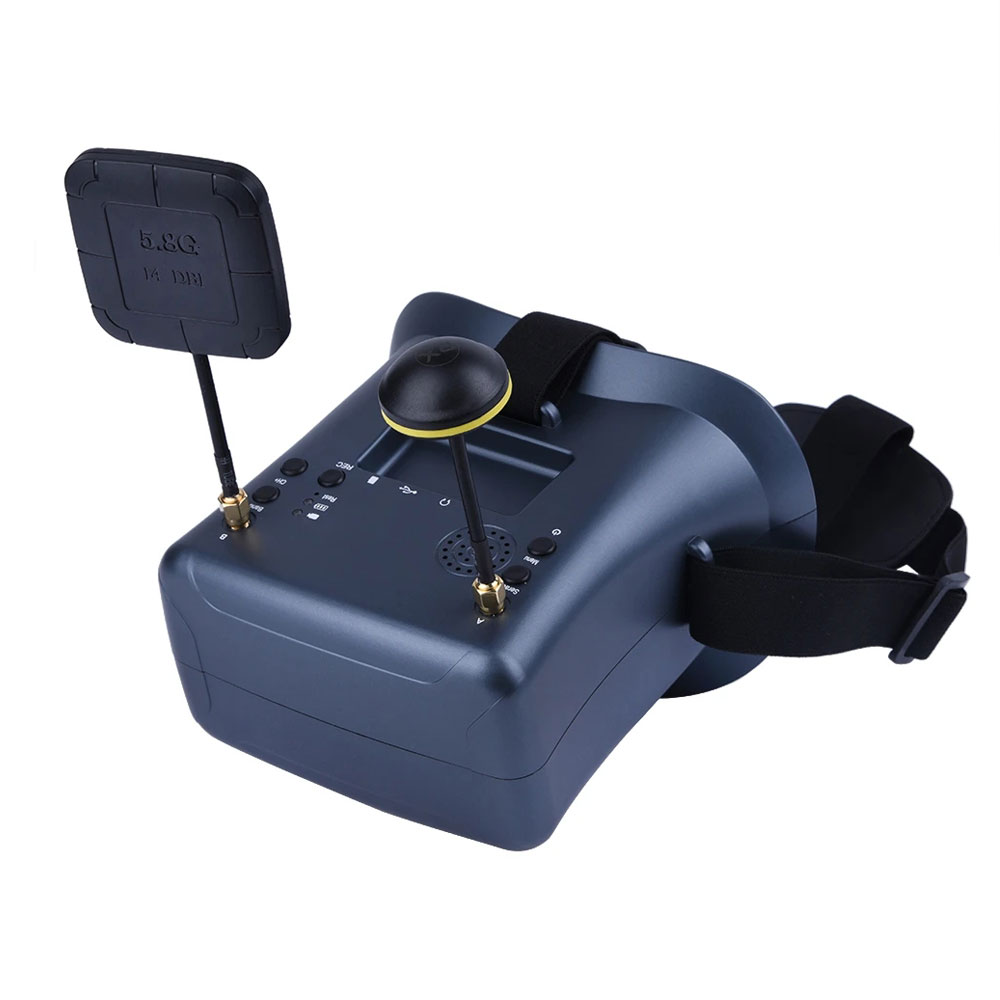
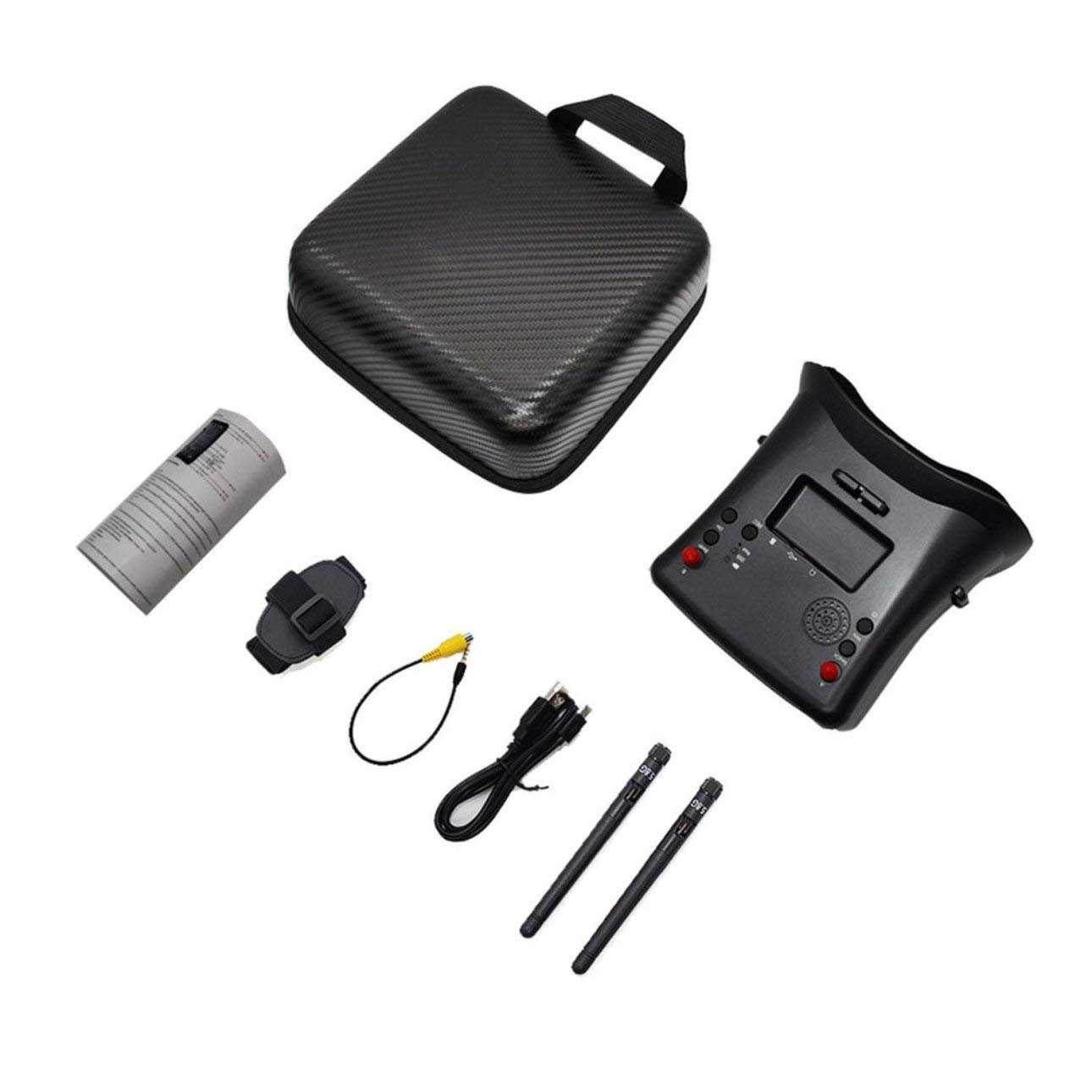
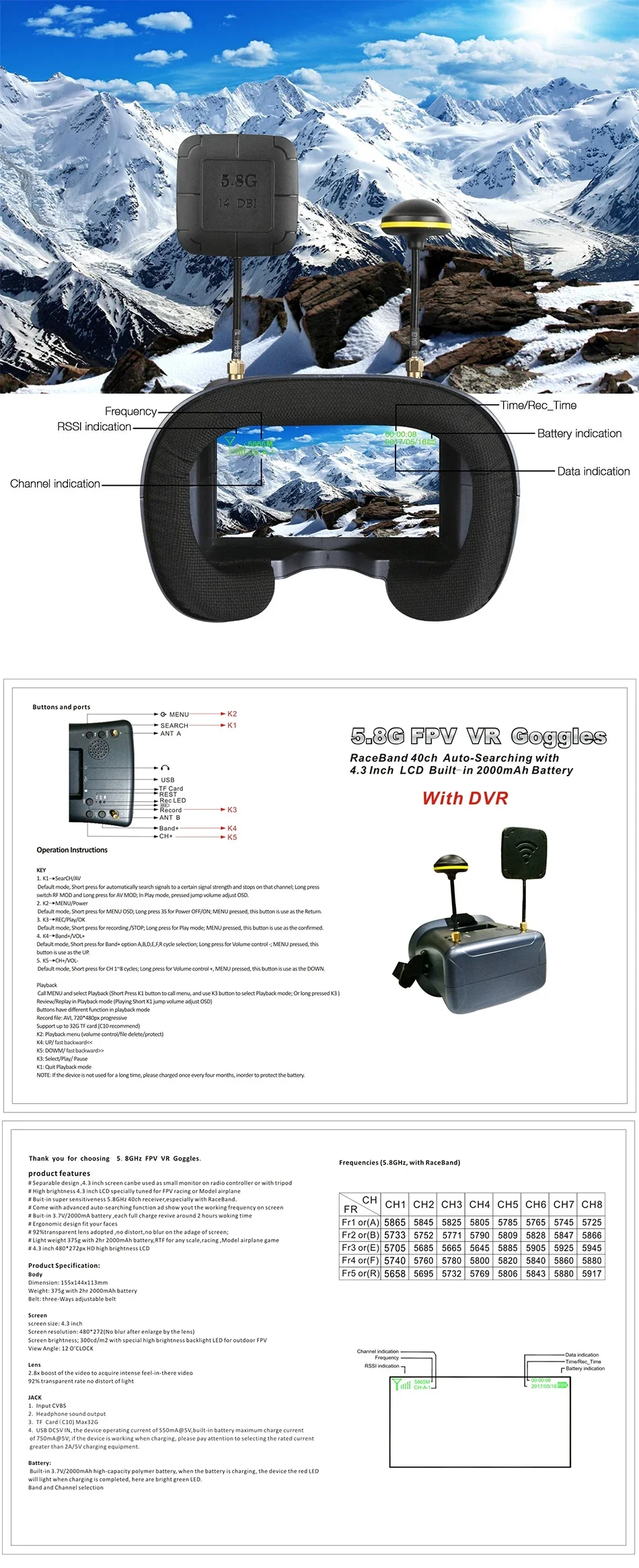
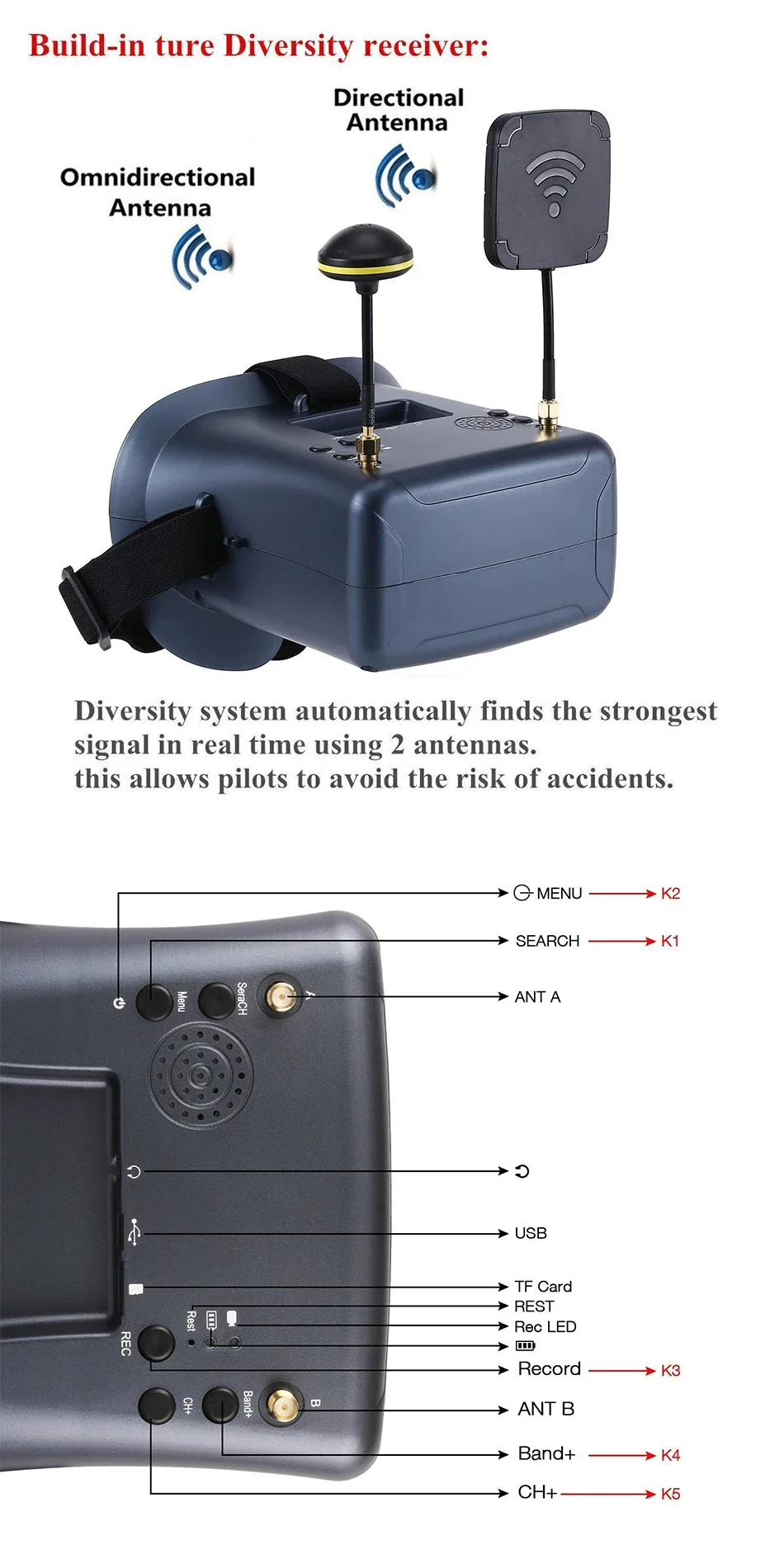
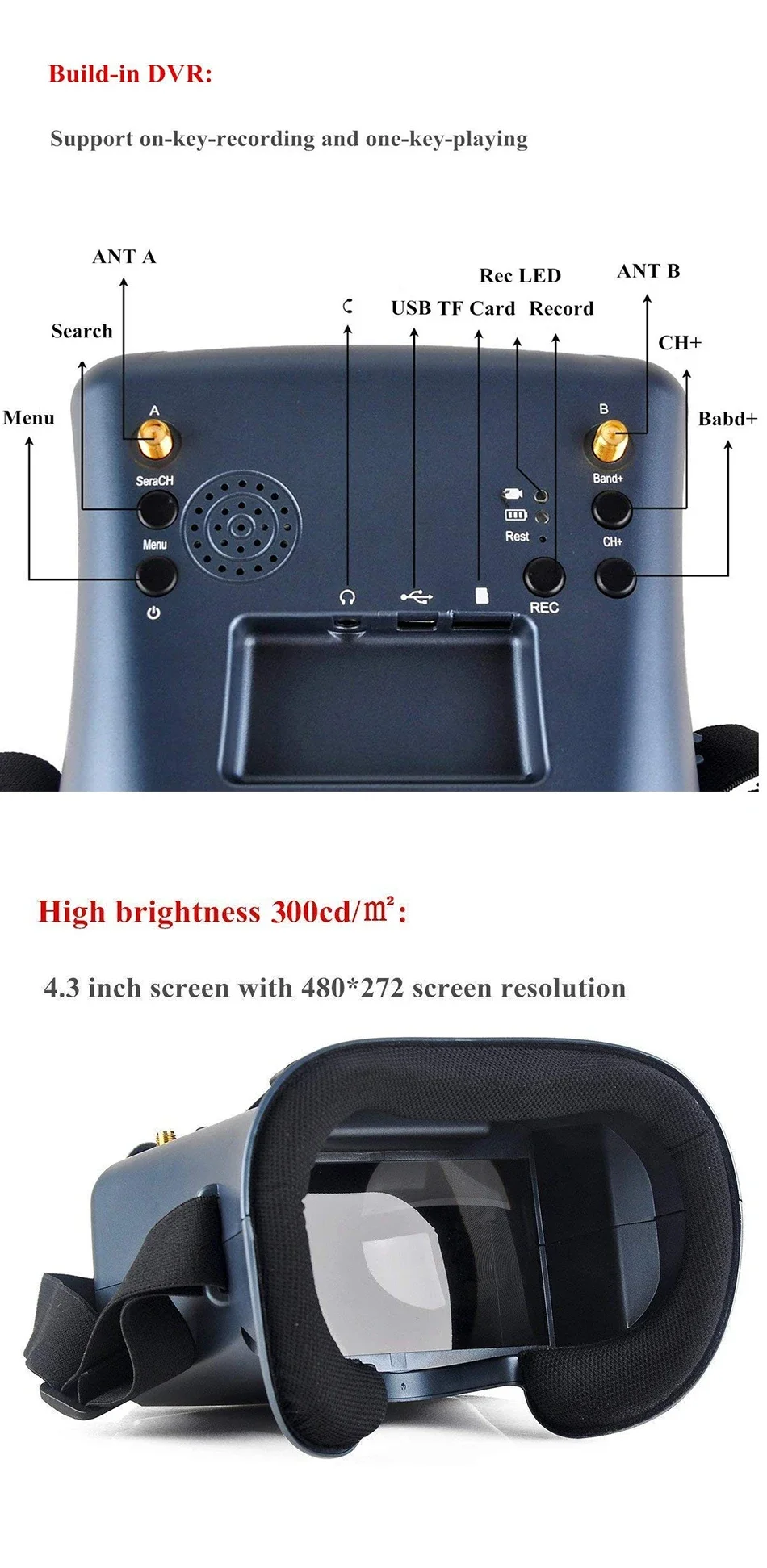
The LS-008D 4.3 Inch 5.8G FPV Goggles offer 40CH support, DVR capability, dual antennas, and a built-in battery. With a crisp 480*272 display, these goggles are perfect for RC racing drones, ensuring stable and immersive real-time video reception.
Product Features
Product Specification:
Body
Dimension: 155x144x113mm
Weight: 375g with 2hr 2000mAh battery
Belt: three-Ways adjustable belt
Screen
screen size: 4.3 inch
Screen resolution: 800*480(No blur after enlarge by the lens)
Screen brightness; 300cd/m2 with special high brightness backlight LED for outdoor FPV
View Angle: 12 O'CLOCK
Lens
2.8x boost of the video to acquire intense feel-in-there video
92% transparent rate no distort of light
JACK
Input CVBS
Headphone sound output
TF Card(C10) Max32G
USB DC5V IN, the device operating current of 550mA@5V,built-in battery maximum charge current of 750mA@5V; if the device is working when charging, please pay attention to selecting the rated current greater than 2A/5V charging equipment.
Battery:
Built-in 3.7V/2000mAh high-capacity polymer battery, when the battery is charging, the device the red LED will light when charging is completed, here are bright green LED.
Operation Instructions
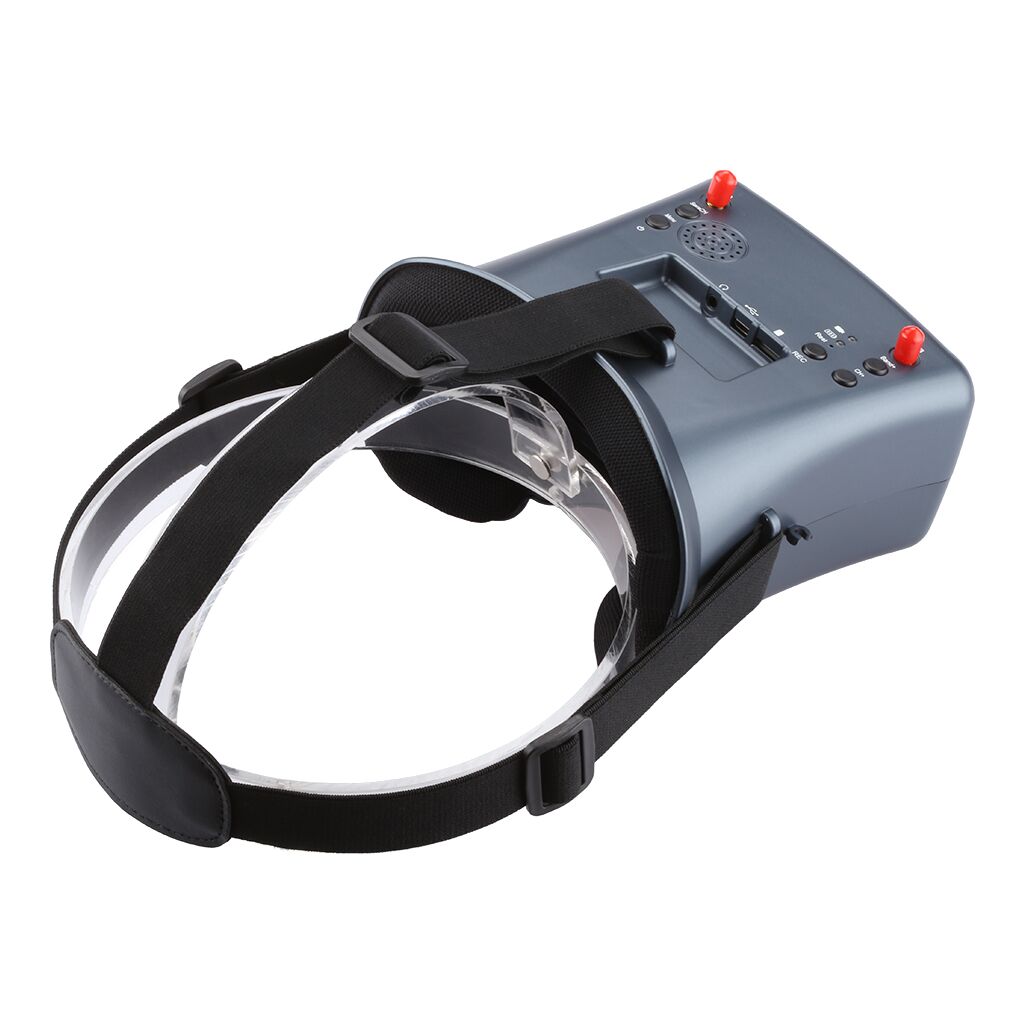
KEY
K1: Search/AV
Default mode, Short press for automatically search signals to a certain signal strength and stops on that channel; Long press switch RF MOD and Long press for AV MOD; In Play mode, pressed jump volume adjust OSD.
K2: MENU/Power
Default mode, Short press for MENU OSD; Long press 3S for Power OFF/ON; MENU pressed, this button is use as the Return.
K3: REC/Play/OK
Default mode, Short press for recording /STOP; Long press for Play mode; MENU pressed, this button is use as the confirmed.
K4: Band+/VOL+
Default mode, Short press for Band+ option A,B,D,E,F,R cycle selection; Long press for Volume control -; MENU pressed, this button is use as the UP.
K5: CH+/VOL-
Default mode, Short press for CH 1~8 cycles; Long press for Volume control +, MENU pressed, this button is use as the DOWN.
Playback
Call MENU and select Playback (Short Press K1 button to call menu, and use K3 button to select Playback mode; Or long pressed K3 )
Review/Replay in Playback mode (Playing Short K1 jump volume adjust OSD)
Buttons have different function in playback mode
Record file: AVI
PX Progressive
Support up to 32G TF card (C10 recommend)
K2: Playback menu (volume control/file delete/protect)
K4: UP/ fast backward<<
K5: DOWM/ fast backward>>
K3: Select/Play/ Pause
K1: Quit Playback mode
NOTE: If the device is not used for a long time, please charged once every four months, in order to protect the battery.



Subscribe to our emails
Stay updated with the latest products, new releases, and exclusive offers.
加载中
.png?w=500&h=200)