Please conscientiously check the power supply voltage and sequence of the line to avoid burning the module.
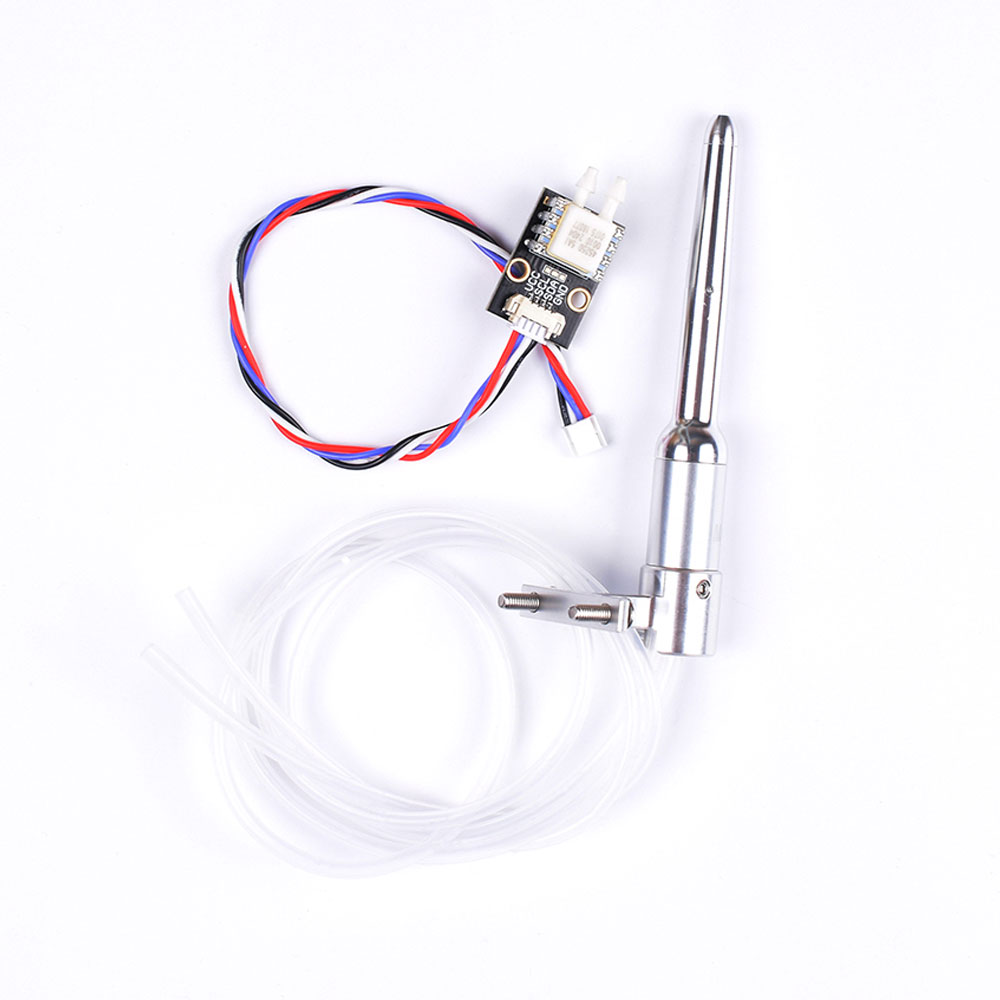
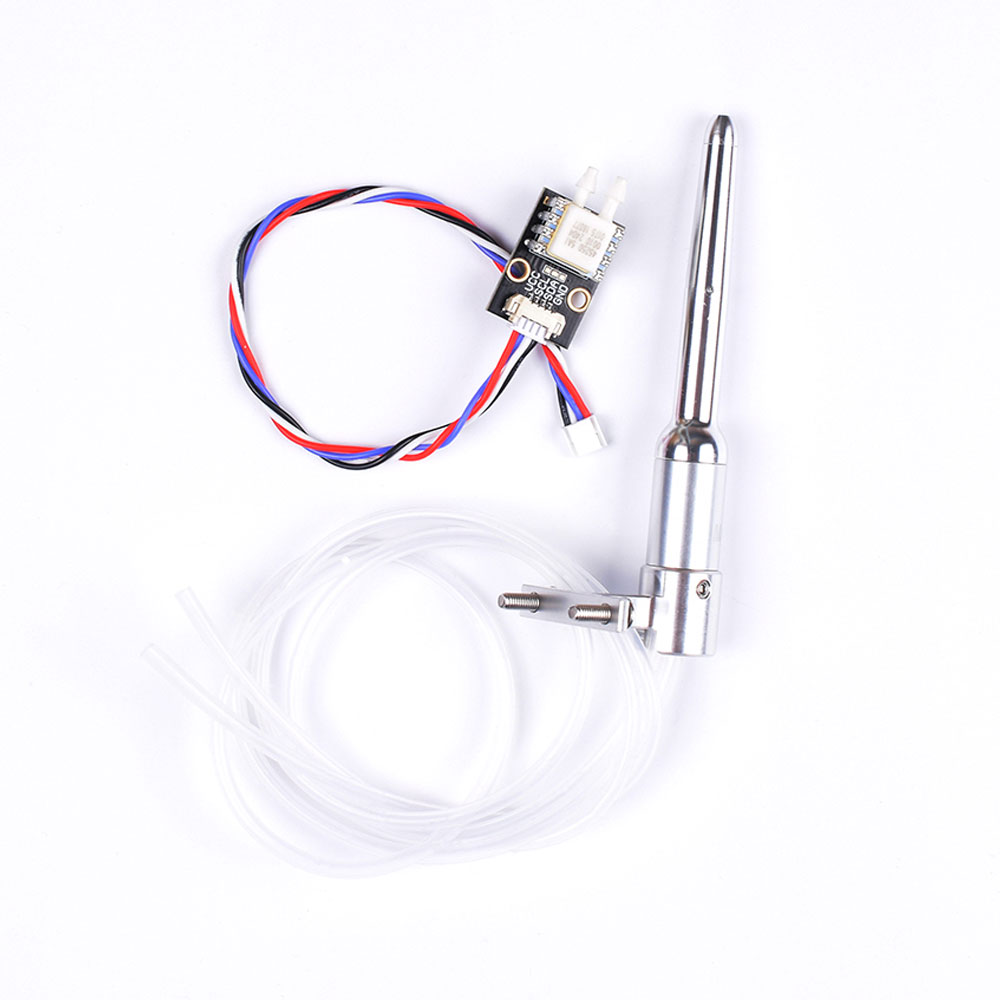
The MS4525 airspace is a thermal measurement module launched by a fixed -wing model or vertical take -off and landing machine. Measure the relative speed of the aircraft and the air. It can help the drone under the conditions of the wind, fly and land stably to avoid stalls. It is an indispensable part of the fixed wing and vertical take -off and landing models.
- Sensor: MS4525
- Working voltage: 4.7 ~ 5.2V
- Support firmware: ArDupilot, PX4, Inav
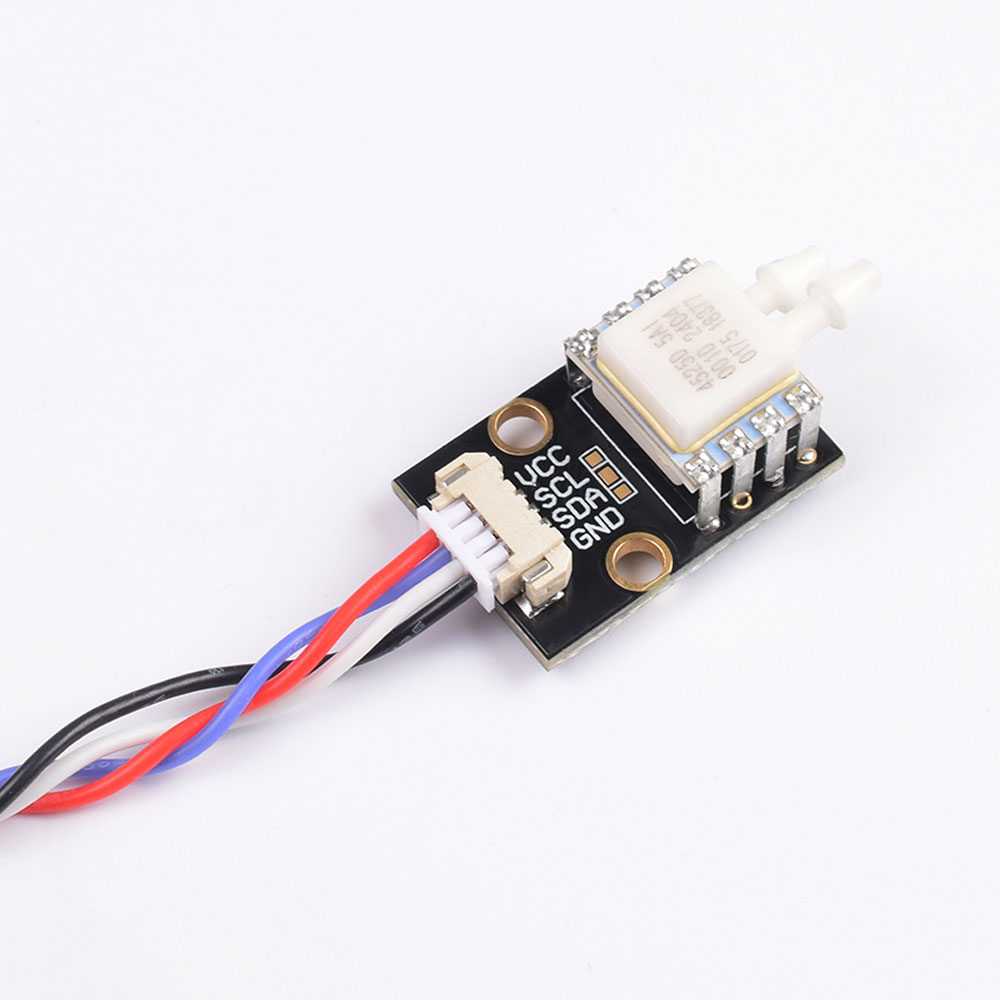
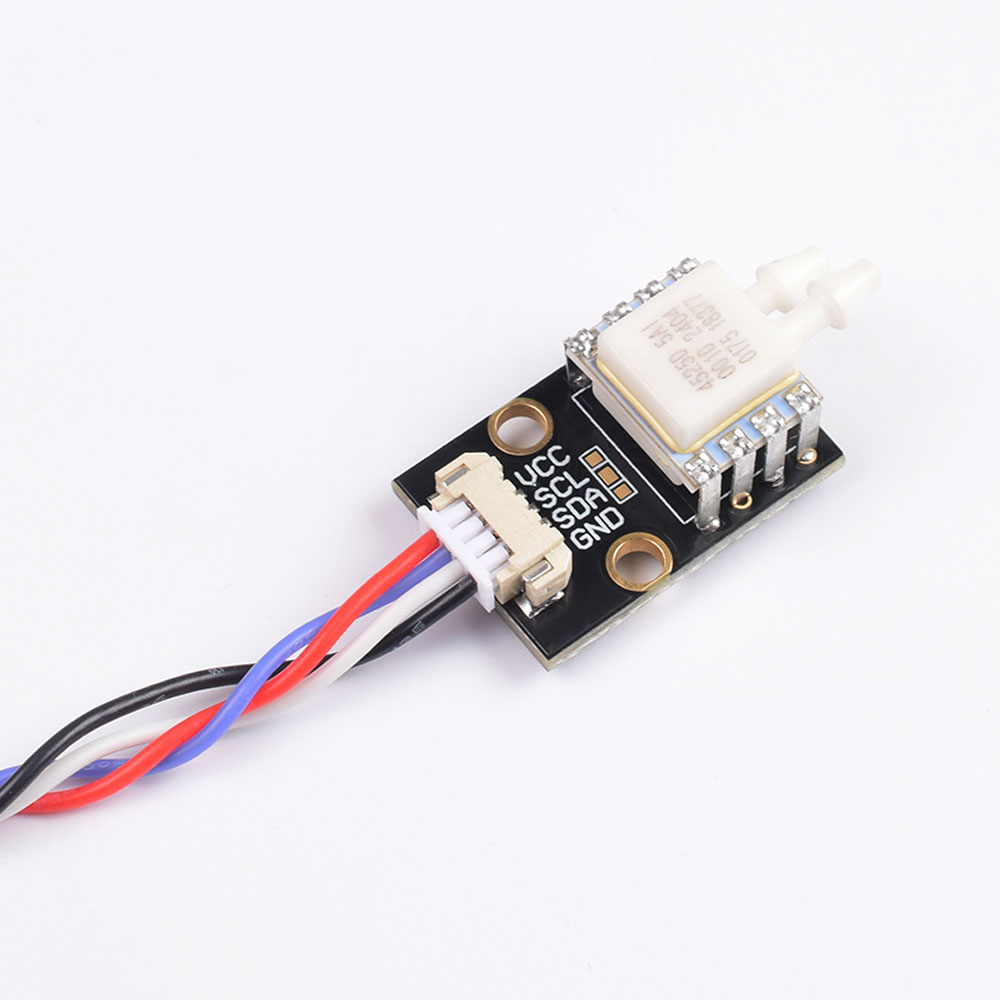
- Interface: 12C (IIC)
- Weight: 3.6g (sensor); 16.8g (air -speed tube)
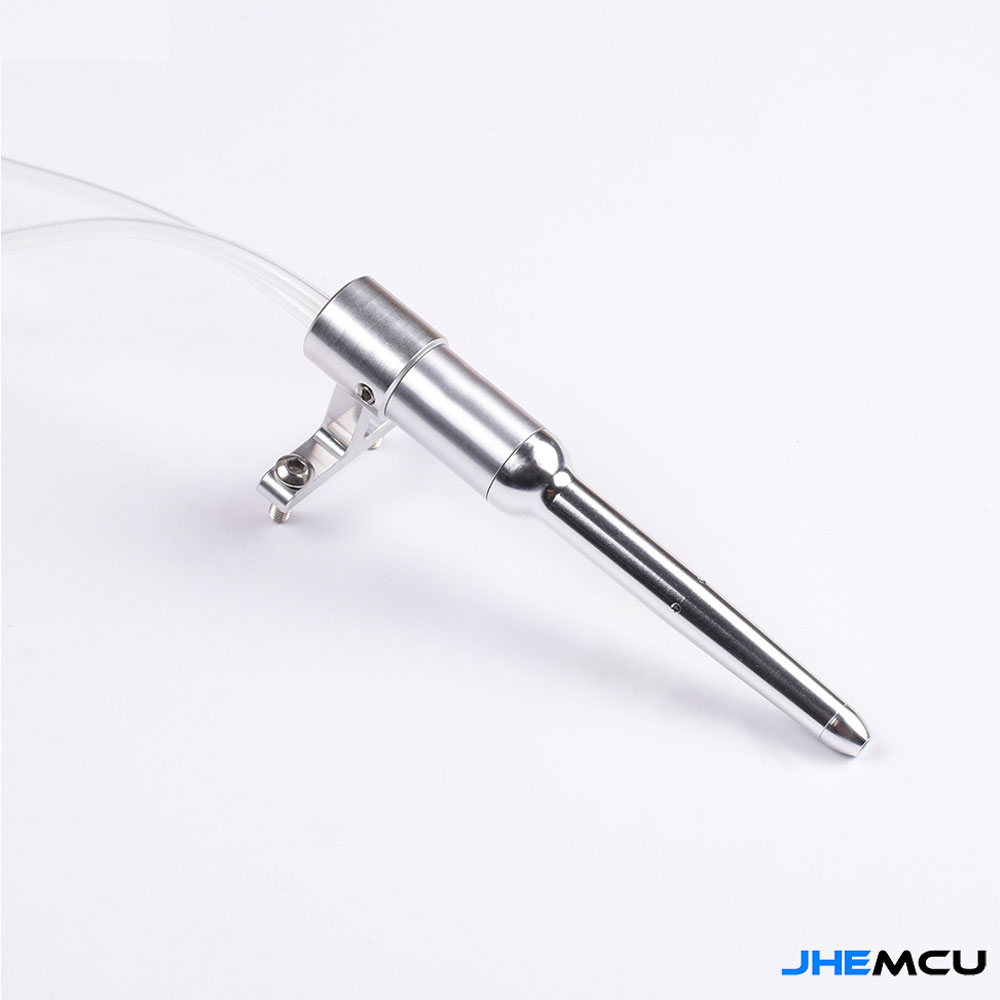
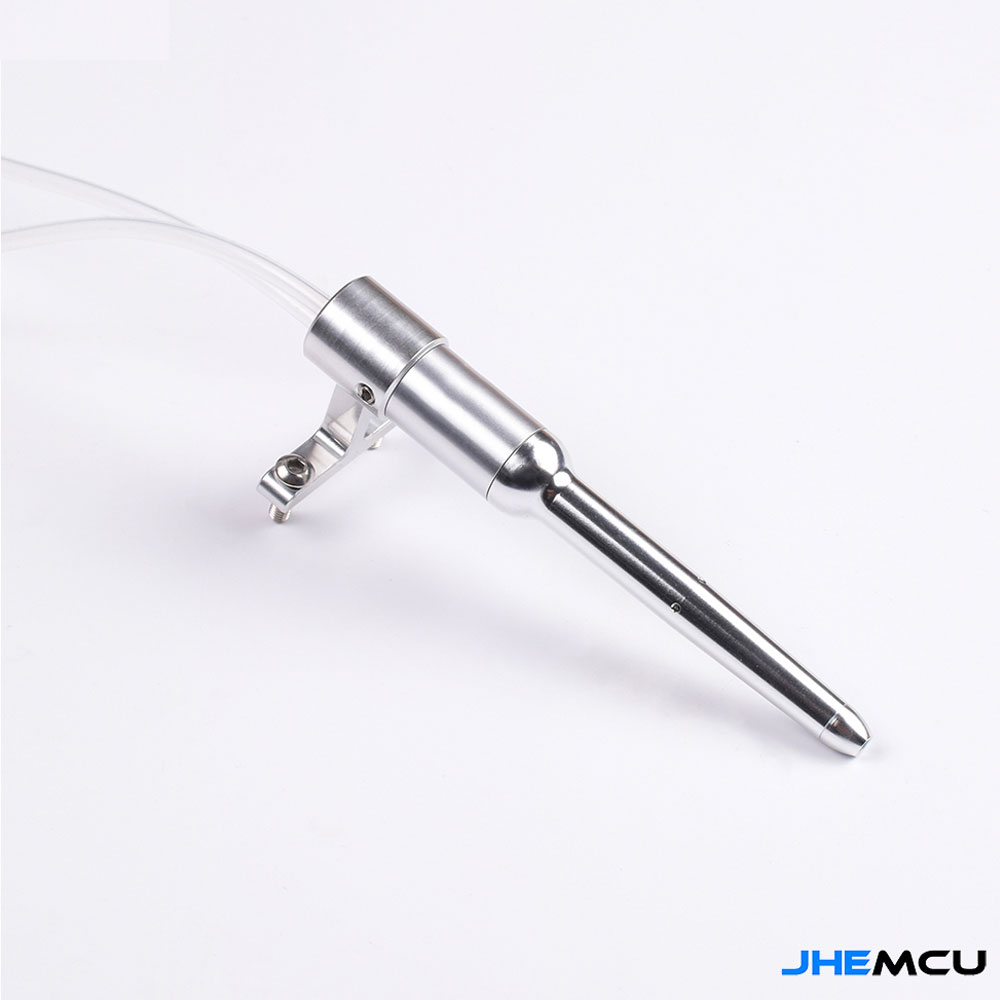
- Air speed pipe: 92mm long, 14mm diameter
Pix version differential pressure sensor, digital output uses I2C interface, the total error in the compensation range is less than 1.0%. Digital output comparison simulation output can reduce interference.
The dynamic pressure above, the dynamic pressure is connected to the direct pipe, the static pressure below, and the pores on the side of the static pressure.
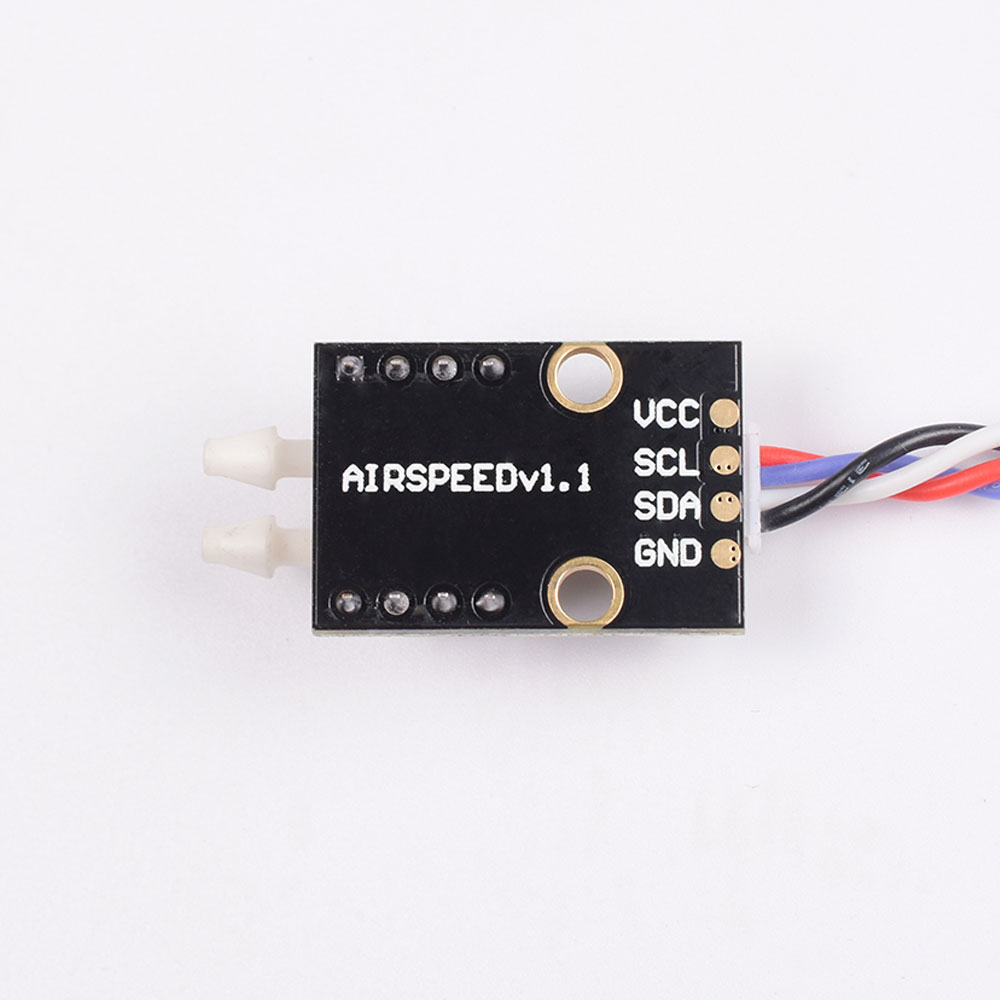
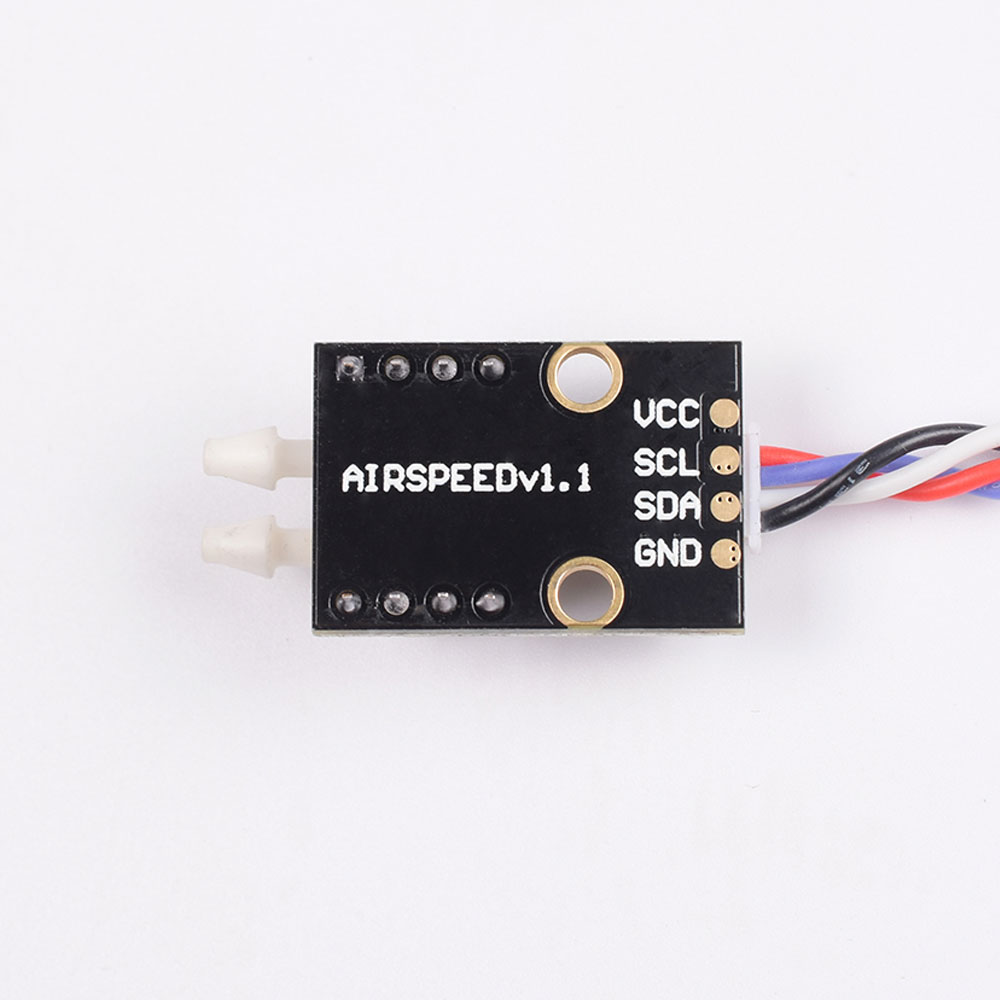
Sensor: The following is a static pressure, and the upper is dynamic pressure.
Corresponding to the connection method of air -speed tube
The long one on the upper speed of the airline is connected to the dynamic hole, and the static pressure hole below the short -speed speed meter
Check the operation
You can use APM Planner or other ground stations to read the aerial count value. Blowing the pipe to Pipot, observing the response, zero-value oscillating (2-3) in the static air is normal. The square roots of the air speed change with the pressure, so the changes in the near zero pressure difference are very small, and more pressure changes are needed during flight to produce estimated speed changes. If most of you see 0, 1, 2, occasionally rebound to 3 or 4, thinking it is normal. You won't see such changes while flying.
Do not forget the calibration after installing the airspace sensor.
Pixhawk can use this digital aerial sensor. Connect the air -speed sensor to the I2C port (or I2C conversion module) of Pixhawk.
Enable digital airspace sensor
Connect to the ground station "Switch to the initial settings (Mission Planner | Hardware | Optional Hardware | Airspace) Select Type Type Checking, as shown below.



-33.svg?w=256&h=256)