
✔ worldwide delivery
✔ Refund for lost or damaged packages

✔ We offer a variety of secure payment methods, including debit/credit cards, PayPal, and bank transfers.
✔ Every transaction is protected
✔ 100% Authentic, Official Warranty
✔ Returns within 15 days – quality issues only
-33.svg?w=256&h=256)
✔ 24-hour response
About this product
Specifications
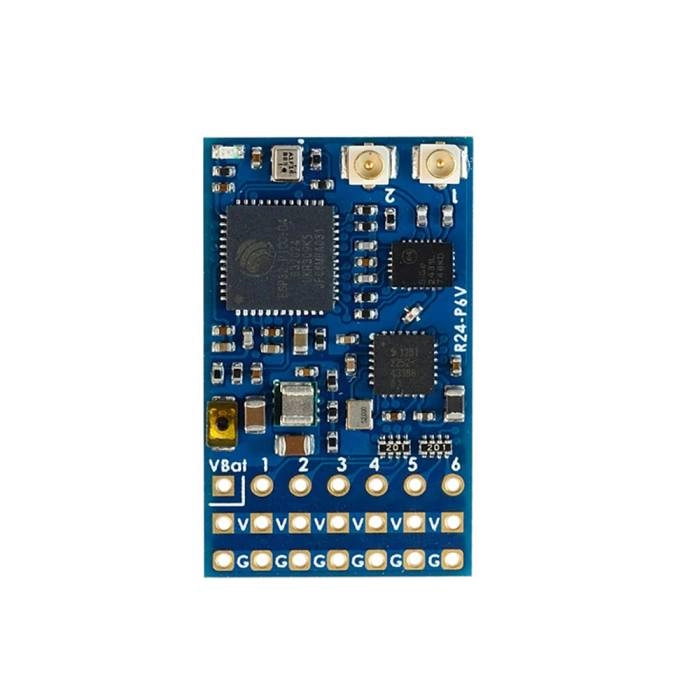
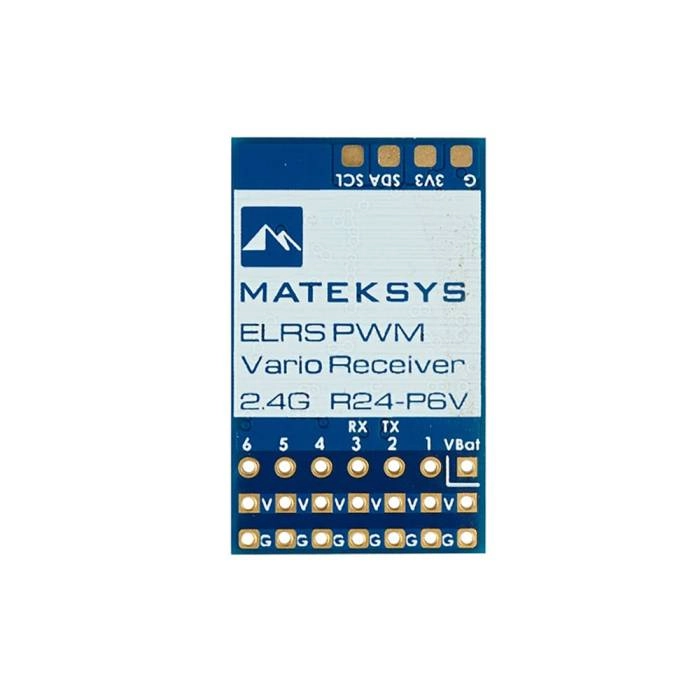
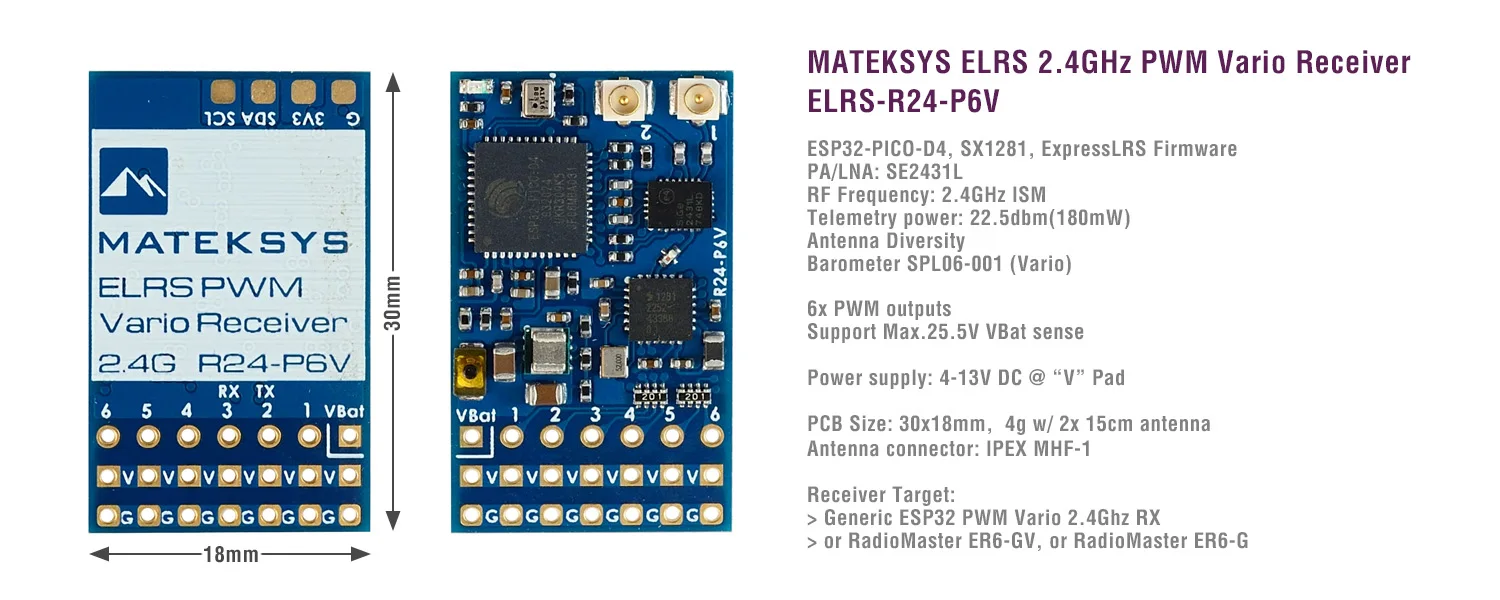
ESP32-PICO-D4, SX1281, ExpressLRS Firmware
PA/LNA: SE2431L
RF Frequency: 2.4GHz ISM
Telemetry power: 22.5dbm (180mW)
Diversity: Antenna-switching, default ANT1
Barometer SPL06-001 (Vario)
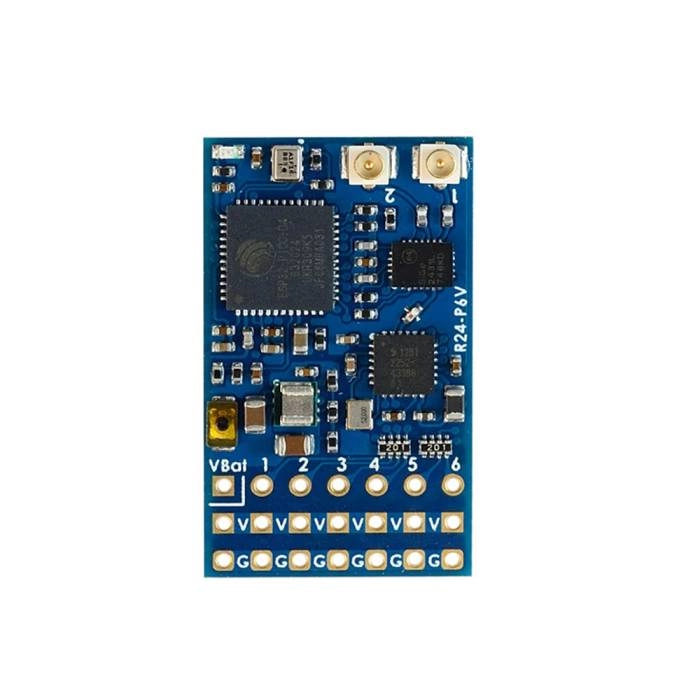
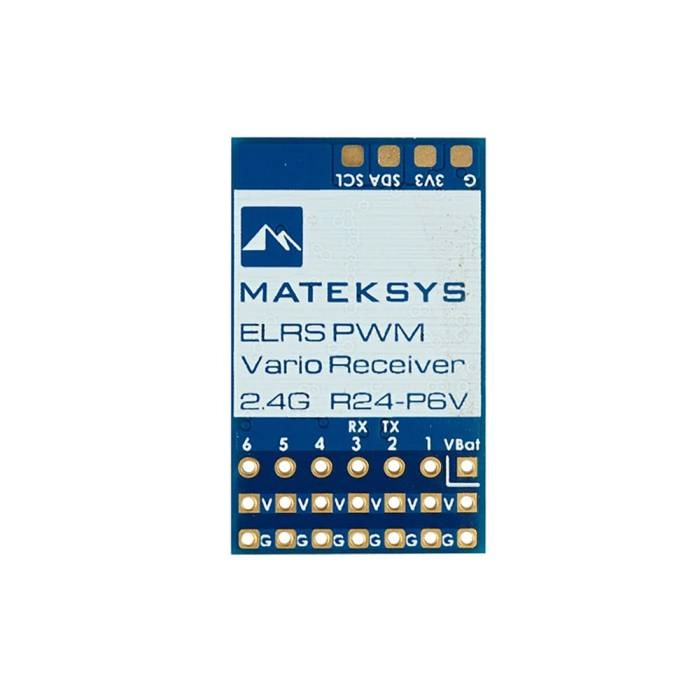
Receiver output: 6x PWM CH
VBAT voltage sense: 0~25.5V
Antenna connector: IPEX MHF-1
Power supply: 4-13V DC @ “V” Pad
Power dissipation: 60mA~80mA@5V IN
PCB size: 30mm x 18mm
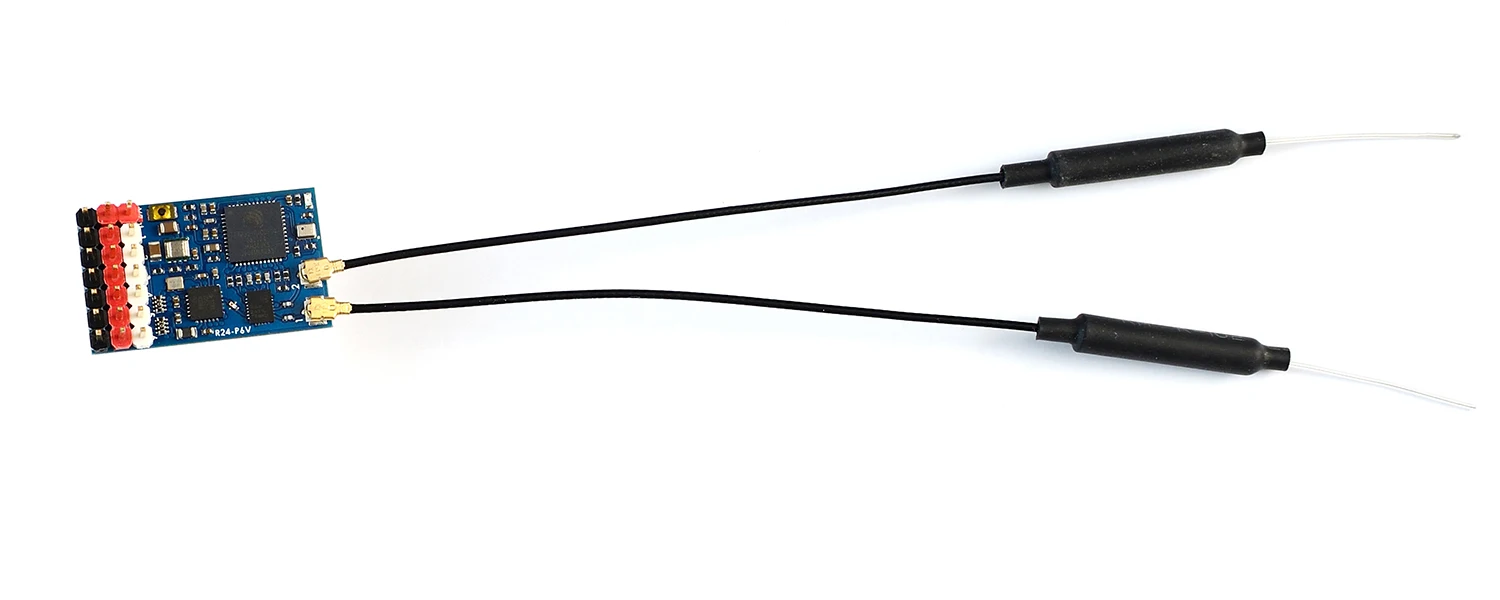
Weight: 4g w/ antenna
Packing:
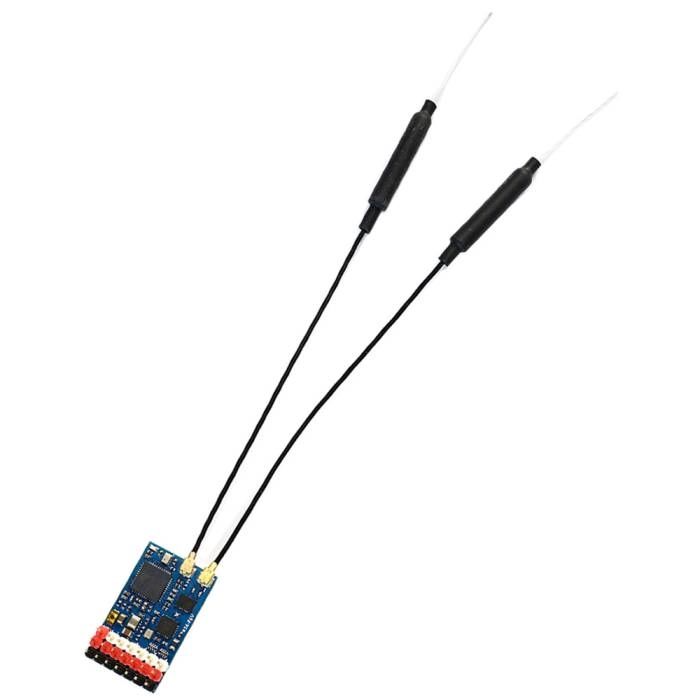
1x ELRS-R24-P6V
2x IPEX MHF1 Antennas. 15cm
Dupont 2.54 pins (Board is shipped unsoldered)
Firmwares
ExpressLRS, wiki, Click HERE
Receiver Target: Generic ESP32 PWM Vario 2.4Ghz RX, /or RadioMaster ER6-GV, /or RadioMaster ER6-G
Receiver has ExpressLRS 3.3.2 preloaded with binding phrase “123456”, the Receiver will never enter binding mode if using the traditional binding procedure.
You need to reflash it with your binding phrase OR connect it to your PC/phone via WiFi and set your binding phrase in WebUI.
Tips
Powering receiver with Reverse Voltage will damage the regulator chip. DOUBLE CHECK the power wires connected to the receiver.
Transmitter fw version should be EdgeTX 2.7.1/OpenTX 2.3.15 or newer
Flashing via Wifi
Power on receiver. Receiver’s LED(Red) will blink slow at first, and after 30s, it should blink fast indicating it’s on Wifi Hotspot Mode.
Wifi SSID “ExpressLRS RX”, Password “expresslrs”
More detailed steps, pls refer this page.
Flashing via UART
Disconnect ESC and servos from receiver first.
Wire the receiver into the USB-TTL adapter, with TX(PWM 2 pin) on receiver connected to the Rx on the USB-TTL, and RX(PWM 3 pin) on receiver connected to the Tx of the USB-TTL. Wire 5V and GND of the USB-TTL to “V” and GND of the Receiver.
Press the boot button while powering on the receiver, then release – the Red LED on receiver should now be solid on.
In configurator, Select the target Generic ESP32 PWM Vario 2.4Ghz RX, or RadioMaster ER6-GVand “UART” for Flashing Method, set your bind phrase and Firmware Options , Check “erase before flash” and “Force FLash “.
Web-flasher https://expresslrs.github.io/web-flasher/
加载中